-
Share
-
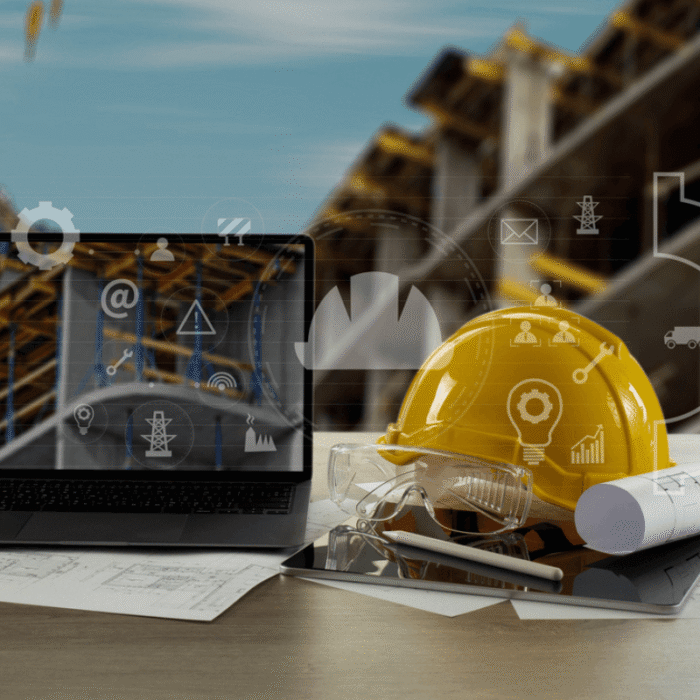
Construction businesses run on more moving parts than most. A single project might involve a head office, several active sites, a fleet of vehicles, and a workforce that is always on the move.
Generic IT providers are not always built to handle this kind of complexity, and when systems fail on a live site, it leads to lost hours, missed deadlines and frustrated clients.
In this article, we outline how a specialist IT provider like David Allen IT Solutions keeps your computer systems connected, secure and productive. We also outline what to check for before you select IT support for your construction business.

How to choose an IT support provider who understands construction
The right IT provider should have demonstrable experience with multi-site construction businesses, an understanding of construction software, and offer both remote and onsite support.
Here’s what to look for when choosing IT support for construction in more detail:
- Direct experience of working with multi-site construction businesses, not just standard office contracts, adapted to fit.
- Knowledge of the software your teams already use, such as Procore, Buildertrend or a business information modelling (BIM) platform.
- The ability to offer both remote and onsite support, with a clear process for deciding which one a given issue requires.
- A service level agreement (SLA) that reflects the cost of downtime on a live site, not a generic response time built for an office.
IT support for construction companies should be evaluated against these specifics, not a generic service list that could apply to any business.

What IT challenges do construction companies face?
The core challenges are:
- Teams are split across multiple active sites and a head office.
- Unreliable connectivity on site.
- A mix of personal and company devices in use.
- Project management software that must synchronise across locations.
- Equipment and people who rarely stay in one place for long.
An IT support provider without construction experience might struggle to manage these challenges. They might only be familiar with planning around a single fixed office, rather than a workforce and network that moves every few weeks.
With the right IT provider, you can keep every site running on the same systems as the office. This helps cut the time lost to connectivity and device issues and reduces the risk of a single site delay affecting the wider project.

What does on-site IT support look like for a construction business?
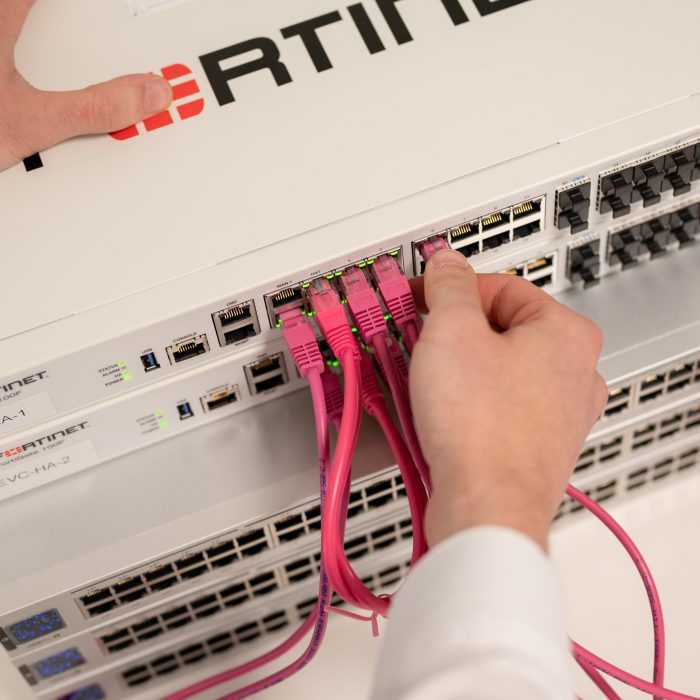
On-site IT support for construction handles hardware failures, new site set-ups, and problems that need a physical presence. This includes details such as replacing a faulty router, setting up network cabling for a new site office, or installing and configuring equipment for a new starter.
Side note: The balance between remote and onsite support should be built around speed and minimal disruption, not a rigid one-size-fits-all process.
How does IT support keep remote and site-based workers connected?
IT support keeps remote and site-based workers connected by ensuring they have reliable access to systems and data, wherever they’re working.
Many site managers, surveyors, and project managers spend days between a temporary site office, a vehicle, and an active build, often with poor connectivity. Devices must be set up for offline access where the signal is weak. Not to mention, connectivity (such as mobile data or site-specific routers) should be planned from the outset.
Remote IT support should resolve most issues without anyone travelling to the site. Here’s how it should work:
- Remote monitoring flags a problem before it interferes with anyone’s work.
- A helpdesk can log in to a device and fix most software or access issues in minutes.
- Clear escalation routes ensure that when a genuine hardware fault is detected, an on-site visit can be arranged, rather than it being left unresolved.

How does IT support manage different sites and locations?
The biggest operational challenge for most construction businesses is keeping everyone connected, regardless of where they work.
A good IT support manages the challenges of multiple sites in three ways:
- Cloud-based access allows staff to reach the systems they need from any location.
- Secure VPN connections protect data travelling between sites and the office.
- Mobile device management keeps every laptop, tablet and phone secure.
FAQs about IT support for construction companies
What construction software does your IT provider need to understand?
Your IT provider should understand the core software construction firms use every day, including:
- Project management platforms, such as Procore, Buildertrend, and Microsoft Project.
- Estimating software.
- Computer-aided design (CAD) applications.
- Building information modelling (BIM) platforms.
- Accounting software that integrates with project data.
A provider who does not understand this software will struggle to diagnose problems quickly. They may also configure these systems incorrectly across multiple sites.

What are the cybersecurity risks for construction businesses?
Construction businesses are increasingly targeted by cyber criminals, and the risks are tangible, not abstract.
For example, ransomware can lock project files and stop a site from working. Phishing aimed at accounts payable is also a common route into invoice fraud, particularly where multiple subcontractors are being paid.
Effective IT support reduces these risks in four ways:
- Endpoint protection on every site device.
- Secure remote access for staff working away from the office.
- Email filtering that catches phishing attempts before they reach a colleague.
- Regular, tested backups of project data.
Why David Allen is the right IT partner for construction
Construction businesses need IT support that can manage sites, offices, and a workforce that is always on the move.
At David Allen, we’re used to working with construction businesses across multiple sites every day. Get in touch to find out how our IT support services can keep your construction IT systems running smoothly so you can focus on delivering your projects on time.